

Info Window · Per-fight deep dive
Fights
Replay any single fight as a line graph and a full statistics sheet — plus a raid board.
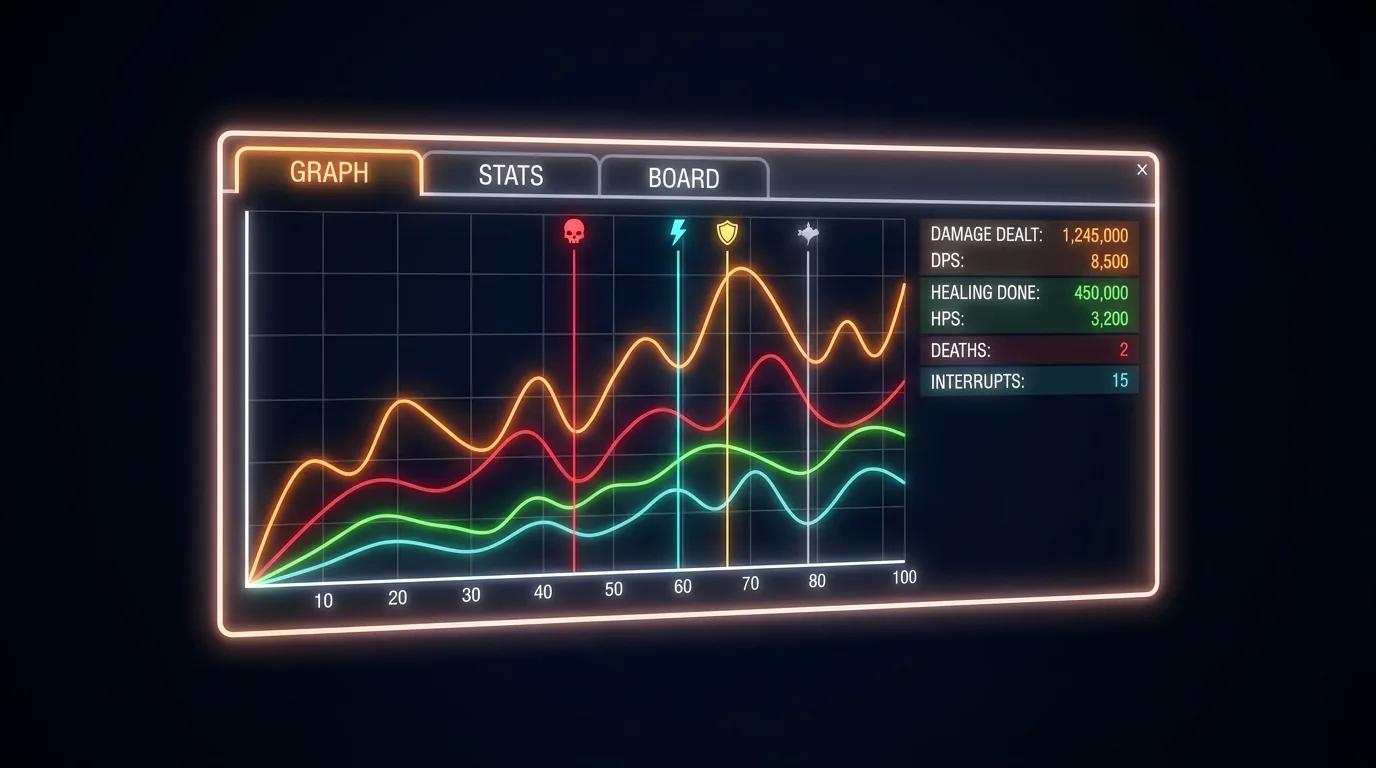
What it does
Fights is the per-fight analysis window. Pick a historical fight with the arrows, then read it as a time-series graph (DPS/INC/HPS/OUT/morale toggles with death and bubble markers) or as paged statistics sheets — avoidance breakdown, max values, APS, overkill, Tac/Phys ratio, damage by enemy class, heal efficiency and more. A Board tab assembles the raid’s DPS/HPS from chat posts.
Anatomy
Fight picker
< > arrows pick ALL or a single historical fight — independent of the Dashboard.
Graph view
Per-stream toggles, shared left axis, 0–100% morale on the right, time-marked X axis.
Event markers
Vertical lines: deaths (red), incoming bubbles (cyan), battle-rezzes (gold).
Statistics pages
Paged per-fight depth — everything PvMP+ shows plus CombatDash’s own combat values.
Board tab
Raid DPS/HPS table from machine-readable chat posts (CombatDash + PvMP+ + CombatAnalysis), both channels.
Details
- Drag-resize from compact to wide; statistics tables reflow with fixed, readable text.
- History-only — the graph never jumps to a newly finished fight, your analysis view stays put.
- Board collects continuously during the fight; last post per person wins; resets each fight.
- Default size around 900×500.