
← Overview 
Feature · A gentle first run
Startup Wizard
A back/next welcome wizard that sets you up class-by-class on first install.
What it does
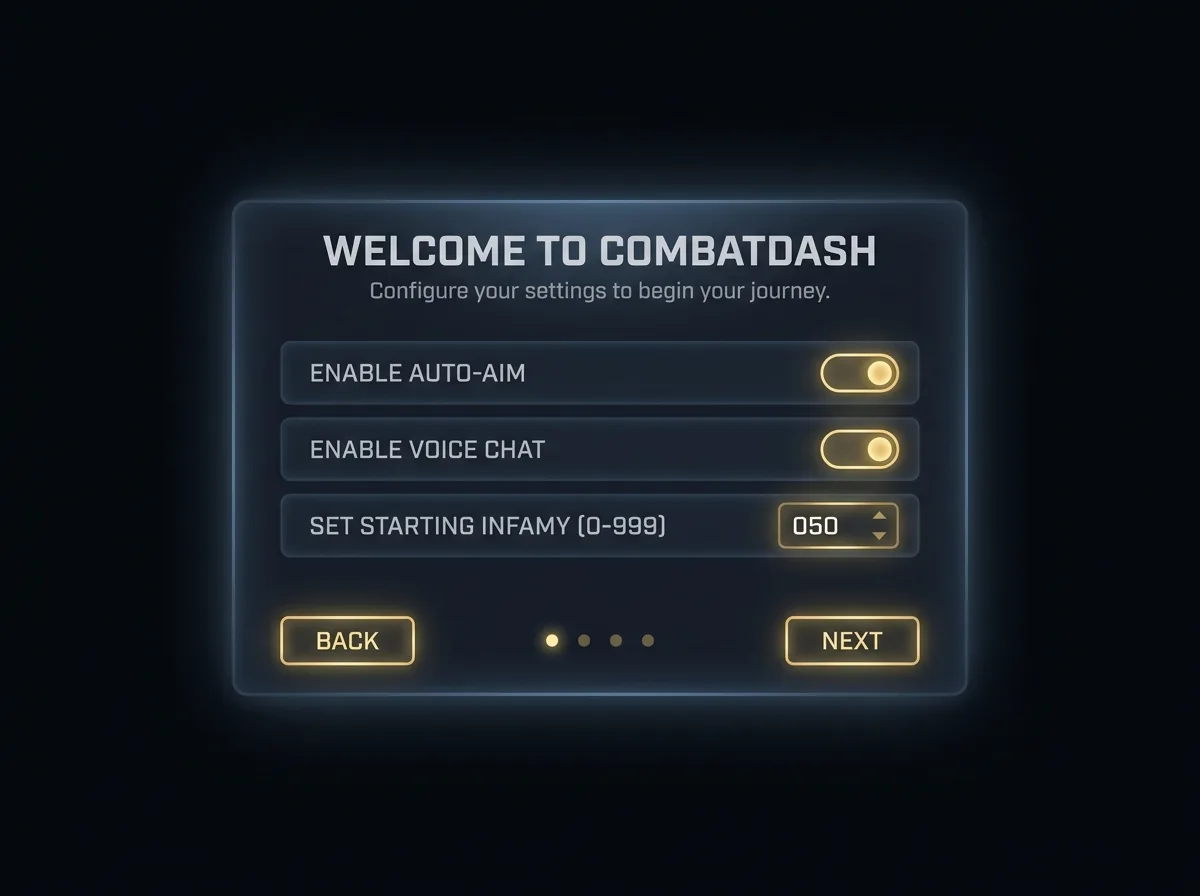
On first install, a welcome wizard walks you through the essentials with back and next buttons: a welcome screen, any class-specific questions (e.g. which Warg traits you run), an initial infamy and killing-blow entry, and a tour of features like the Mouse Helper and scaling. The same screens power the options panels — one set of building blocks.
01
Welcome → setup → tour
A clear back/next flow from greeting to a feature tour.
02
Class questions
Per-class prompts where they matter (Warg traits known; others surfaced as relevant).
03
Infamy / KB entry
Seeds the values that aren’t readable from the API — reused by the crash-check.
Details
- Triggered on first install and by the commendations crash-check.
- Reopenable any time from the options.
- Built from the same reusable panels as the options screens.