 CombatDash
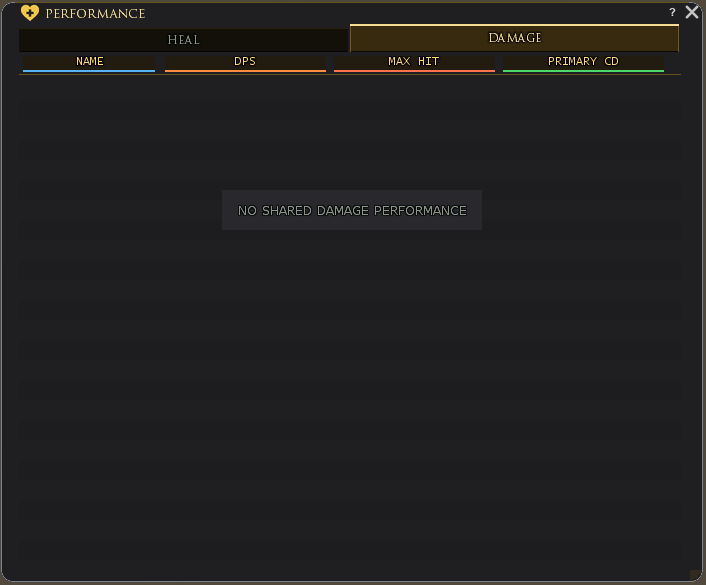
The Performance window collects combat data that other CombatDash users actively share. It contains the HEAL and DAMAGE tabs.
HEAL
War-leaders and Defilers share relevant cooldowns, HPS, and their largest heal. You can sort the table by name, next Bubble, or next Rez.
The NEXT display marks the player whose selected ability is ready or becomes ready next.
DAMAGE
Other Creep classes share DPS and their largest single hit. The sender's class appears with the values. Wargs, Reavers, and Blackarrows also share the remaining time of their primary cooldown when CombatDash has identified the related skill.
Send data
The SEND Quickslot at the lower right of the HUD class area prepares the performance message for your class. The Dashboard also has a SEND Quickslot for a summary of all metrics. Individual Dashboard cards can share their own metric.
Dashboard SEND routes automatically to Group or Raid. Other send controls use their selected channel. Every post requires your click.
The receiver processes only valid CombatDash messages. Old data loses its online relevance after a short period.
Why is a player missing?
Other players appear after a valid Performance message arrives. Your own healer row is an exception. A missing row does not prove that the player is offline.
Possible causes include:
- The player does not use CombatDash.
- The player did not click SEND.
- The wrong chat channel is selected.
- Your chat filters do not show the message channel.
- The data is too old for NEXT and cooldown sorting.
Read your own healer row and the timers
As a War-leader or Defiler, you see your own healer row even solo and before clicking SEND. Local values come directly from your CombatDash. Other players still supply values through messages they choose to send.
A blue timer shows an active ability, red its following cooldown, and amber the final ten seconds before readiness. RDY means ready. An effect that is still active does not mean its ability is already available again.
Receiving a protective effect from another Defiler does not start your own ability cooldown. Incoming effects and your own readiness are tracked separately.